Programming
Core Gameplay Systems
Design and implement fundamental mechanics such as movement controllers, inventory systems, and combat logic inBlueprints for rapid iteration and designer-friendly tweaks.
Performance Profiling & Optimization
Use Unreal’s profiling tools to identify CPU/GPU hotspots, refactor heavy code paths, and apply multithreading or object pooling strategies to guarantee steady frame rates.
Debugging & Testing Frameworks
Integrate unit tests, in-editor debug overlays, and crash-report handlers to catch issues early. Implement logging and automated test suites that validate core systems with every build.
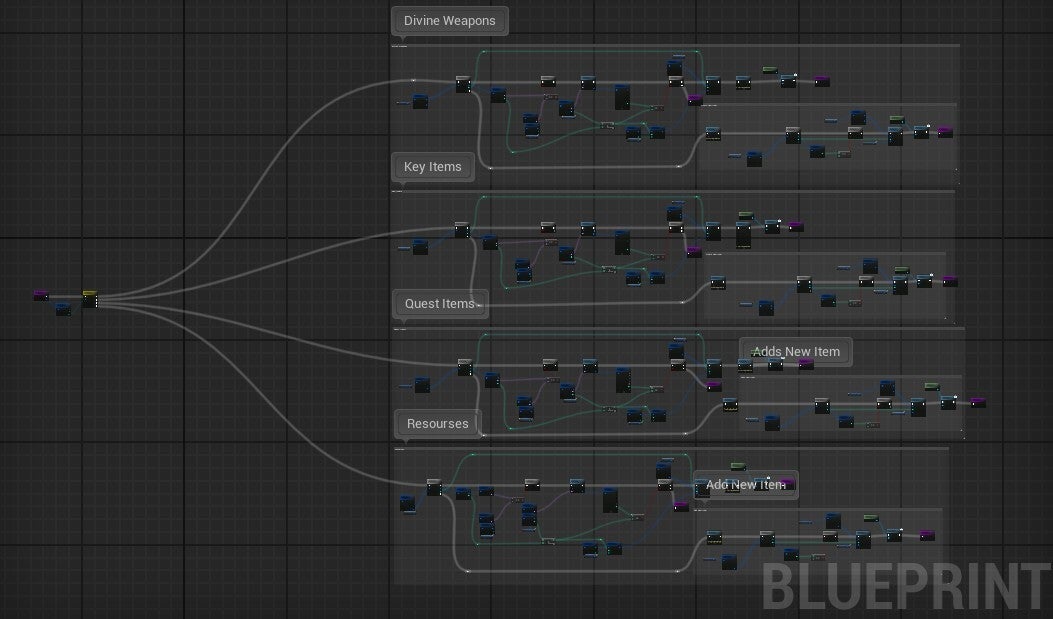
Inventory
Inventory management
-
Module Inventory System
- Optimized for quality of life
- Built with organized Code for easy debugging
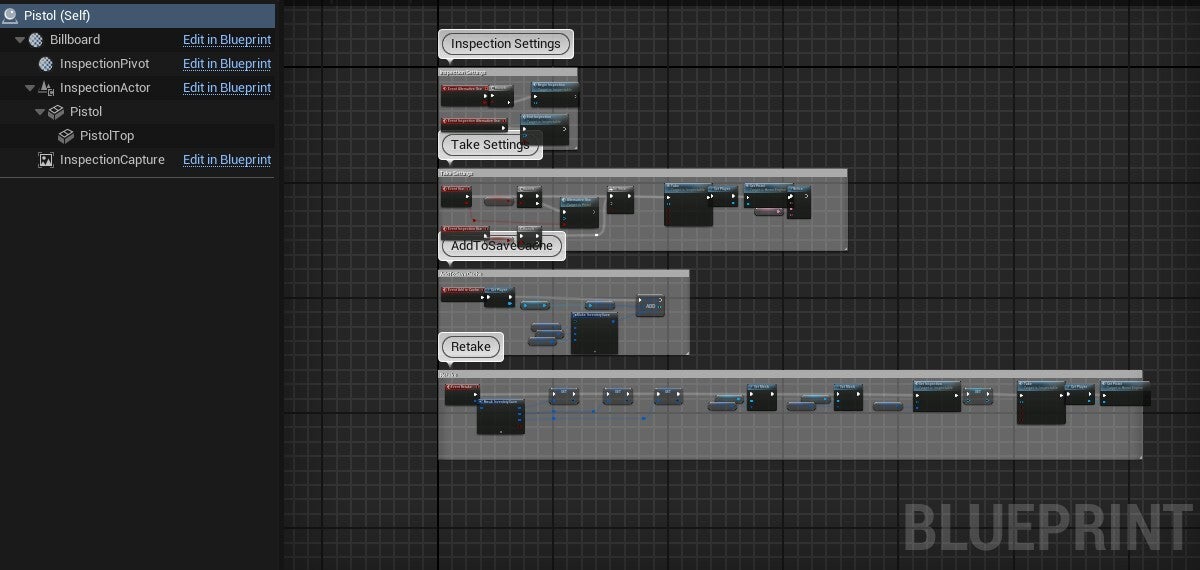
Pistol Blueprint
Manages in-world inspection and pickup of a pistol asset.
-
Inspection Settings: Positions and orients the pistol for close-up viewing when the player inspects the weapon.
-
Take Settings: Spawns the weapon into the player’s inventory upon pickup input and disables the world-mesh collision.
-
AddToSaveCache: Records the fact that the pistol has been collected, preventing respawn after game reloads.
-
Retake: Resets inspection state if the player drops the pistol and picks it up again.
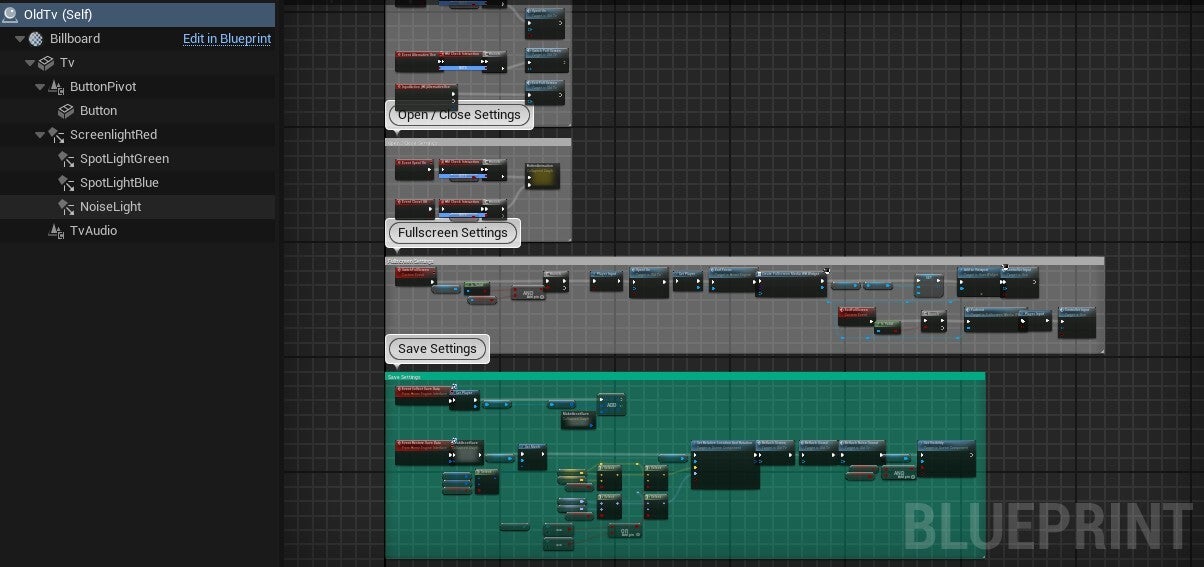
Old TV Blueprint
Drives the interactive TV prop with several UI modes.
-
ON/Off Settings: Turnes ON or Turns Off the TV or screen flap when the player toggles power.
-
Fullscreen Settings: Switches between in-world TV screen and full-screen display mode, adjusting render targets.
-
Save Settings: Captures the TV’s on/off and display-mode states into the save system, ensuring continuity on reload.
Programming
From core gameplay systems to custom editor tools, I deliver clean, high-performance Blueprint solutions that scale with your vision. Let’s build the pipelines and mechanics that drive your project forward—efficiently and reliably.